Using the controls
Min Temp
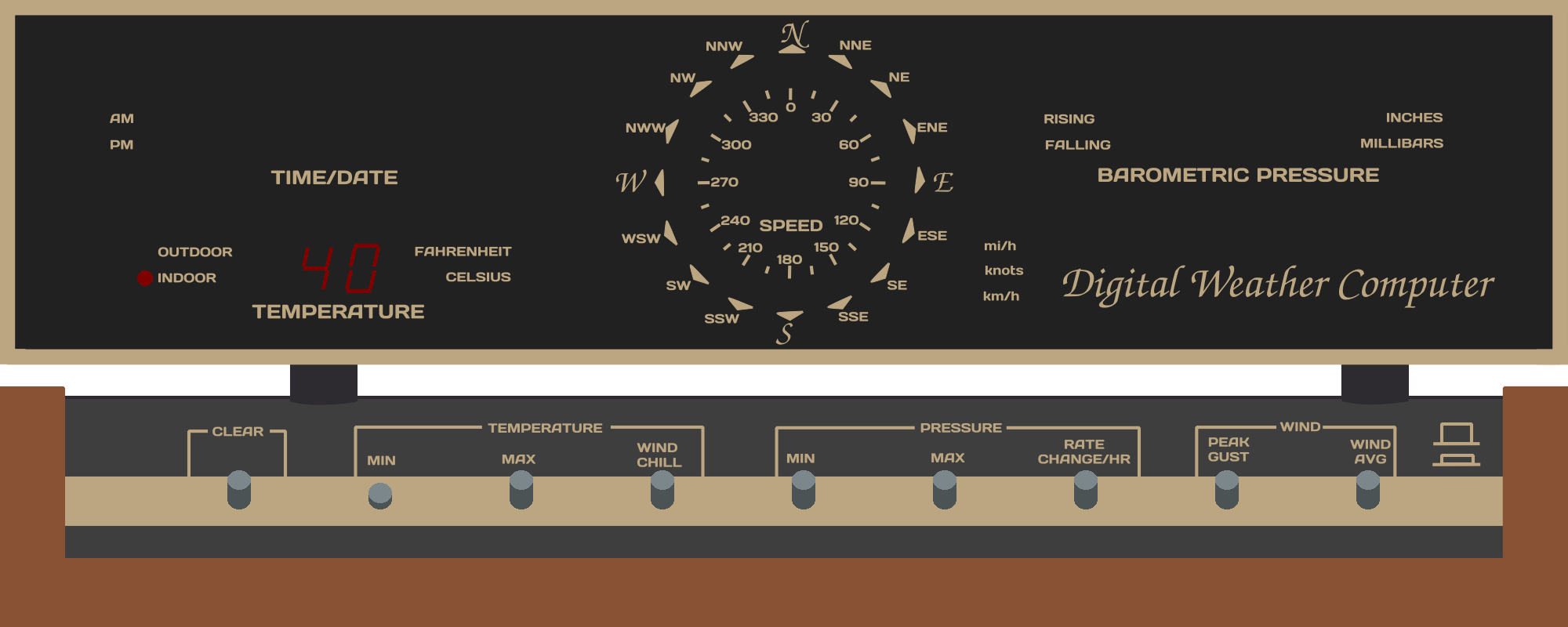
Pressing and holding the MIN TEMP button will show the minium outdoor temperature.
Pressing and holding the CLEAR and MIN TEMP buttons together will erase the minimum temp value.
Max Temp
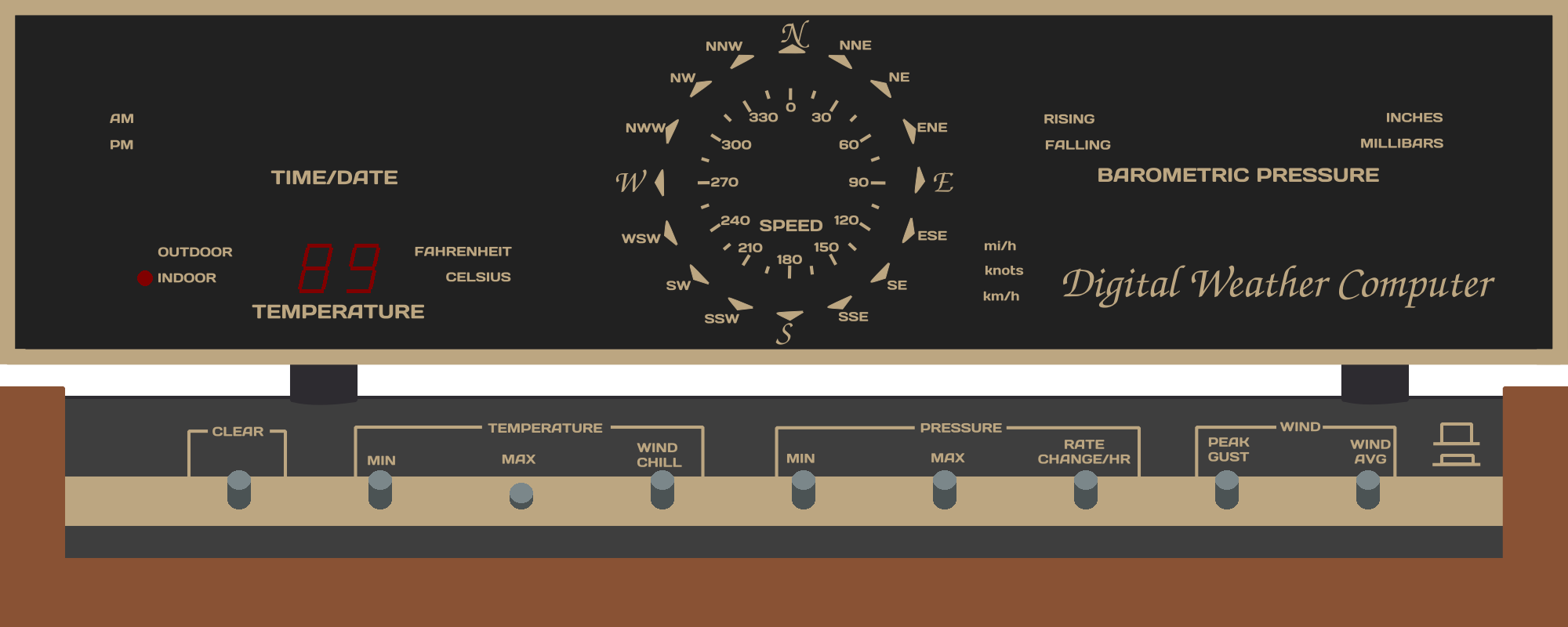
Pressing and holding the MAX TEMP button will show the maximum outdoor temperature.
Pressing and holding the CLEAR and MAX TEMP buttons together will erase the maximum temp value.
Wind Chill
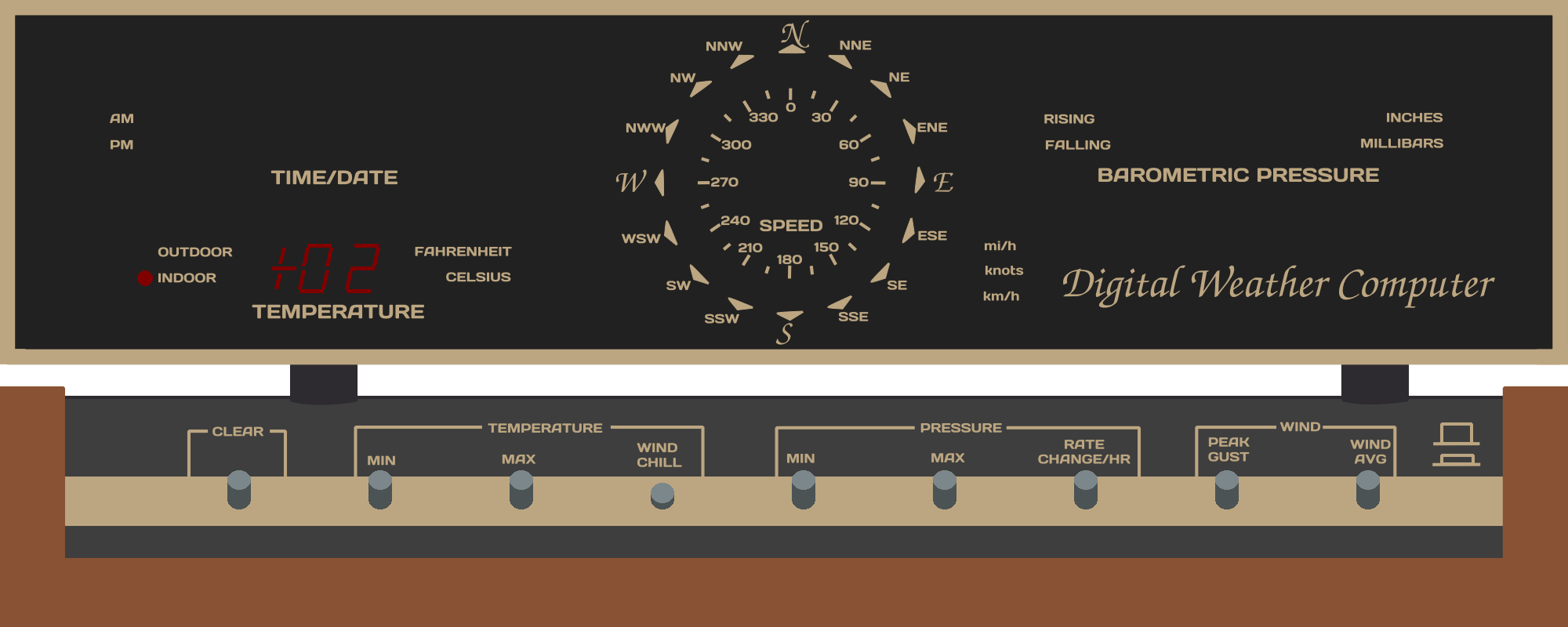
Pressing and holding the WIND CHILL button will show the tempest “feels like” temperature or wet bulb temperature. This is the apparent temperature that a human or wet bulb would experience, its a combined factor of humidity, wind speed and solar exposure.
Min Pressure
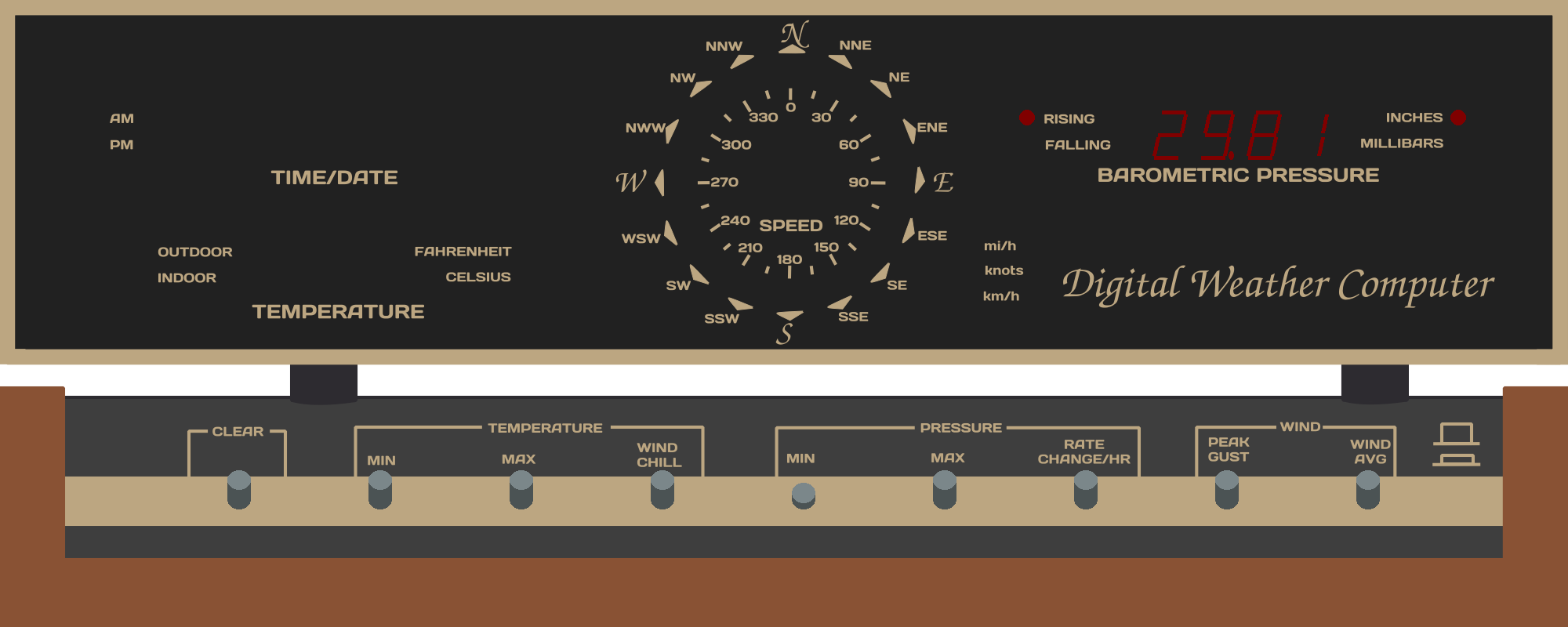
Pressing and holding the MIN PRESSURE button will show the minimum barometric pressure.
Pressing and holding the CLEAR and MIN PRESSURE buttons together will erase the minimum pressure value.
Max Pressure
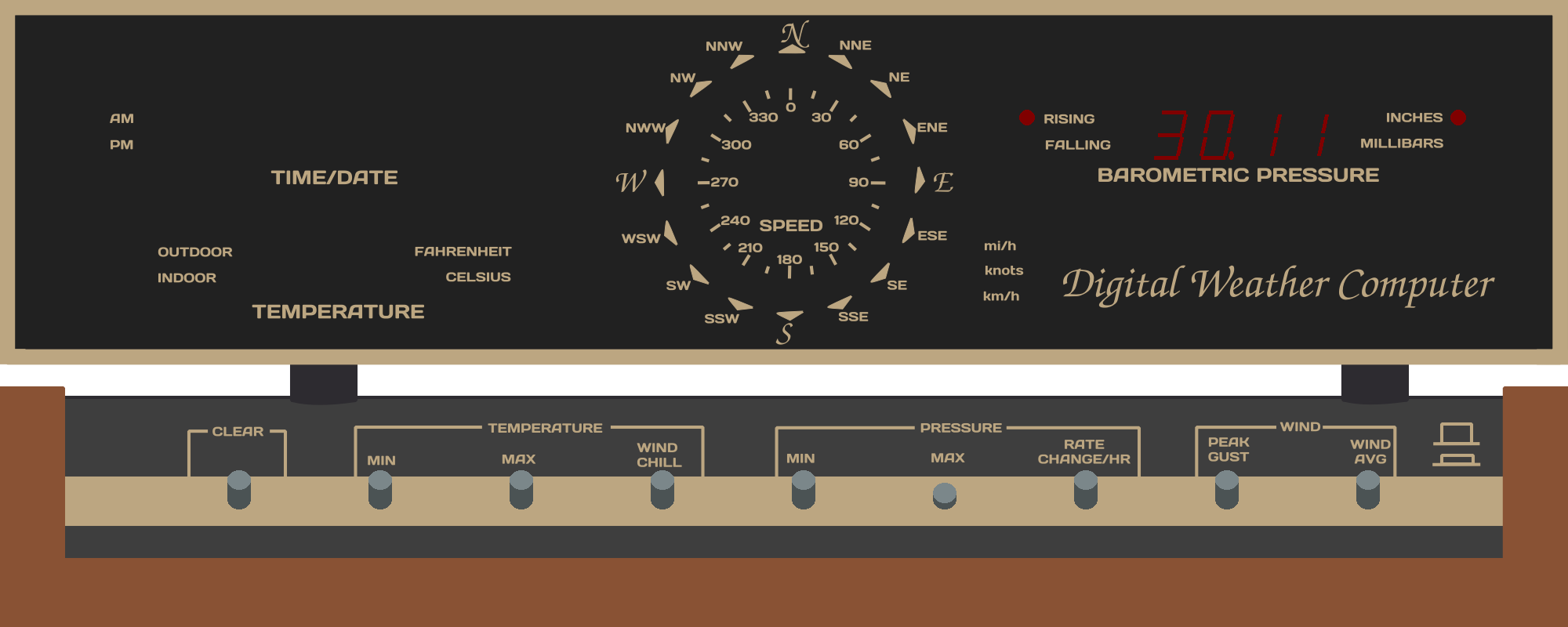
Pressing and holding the MAX PRESSURE button will show the maximum barometric pressure.
Pressing and holding the CLEAR and MAX PRESSURE buttons together will erase the maximum pressure value.
Rate Change/Hr
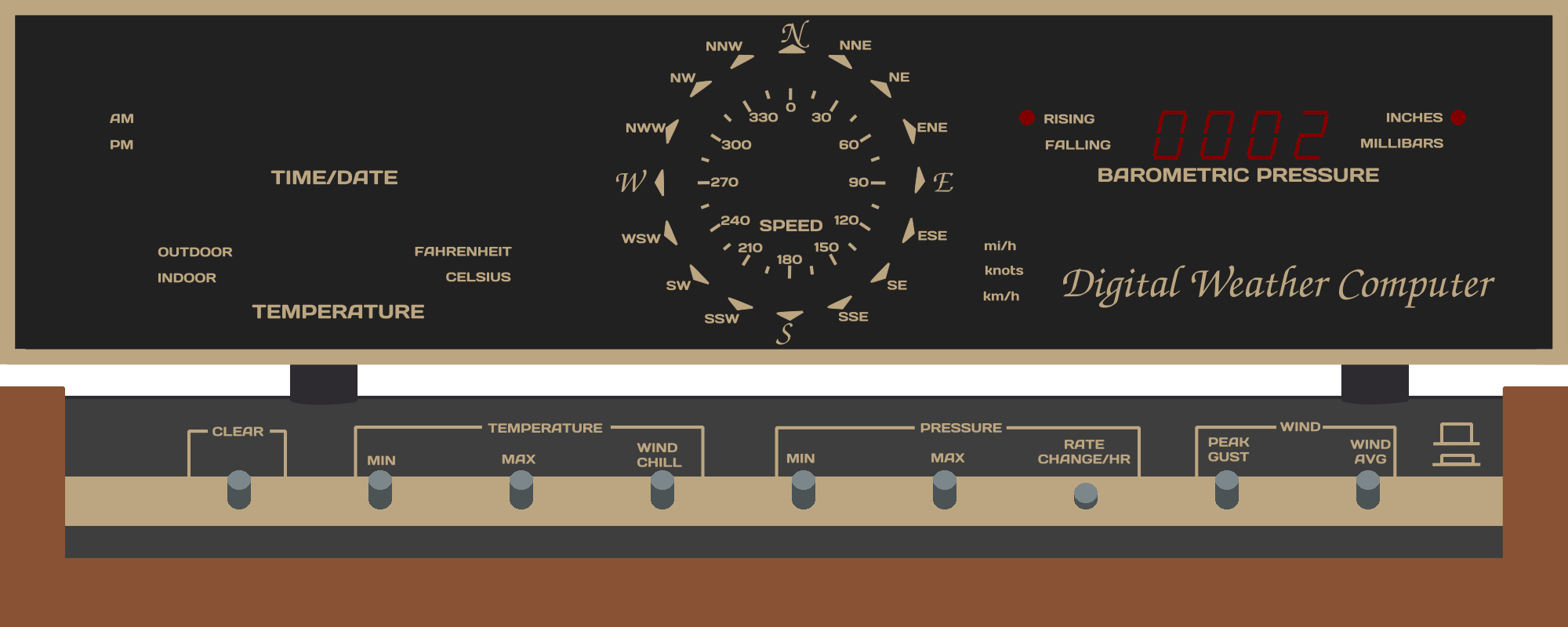
The RATE CHANGE/HR button shows the measured (real) rate change over the last hour. Tempest does not easily provide this number in its API, so the ID-4001 will record it locally and report using that.
Note
The local rate change may not match the TREND rising/falling reported by tempest.
Peak Gust
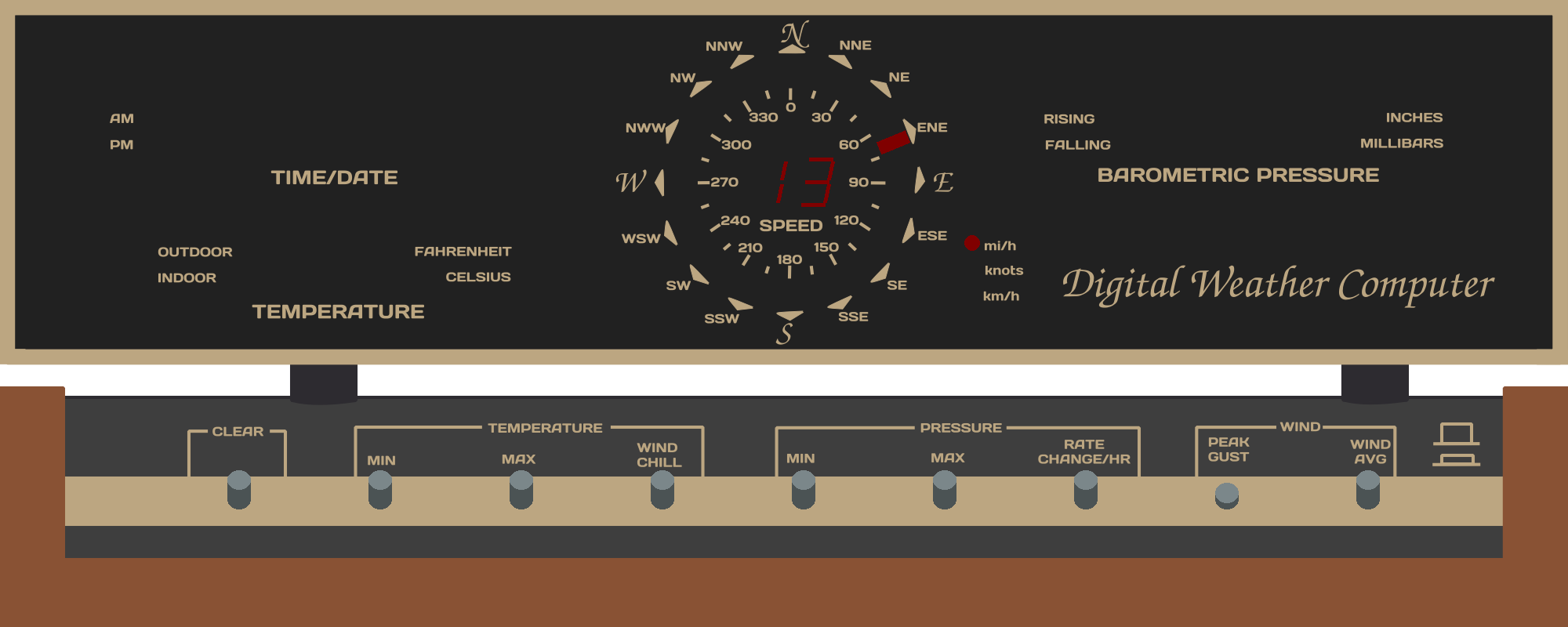
The PEAK GUST button shows the measured maximum windspeed over the past day (configurable in firmware).
Pressing and holding the CLEAR and PEAK GUST button clears and resets the max recorded gust.
Wind Average
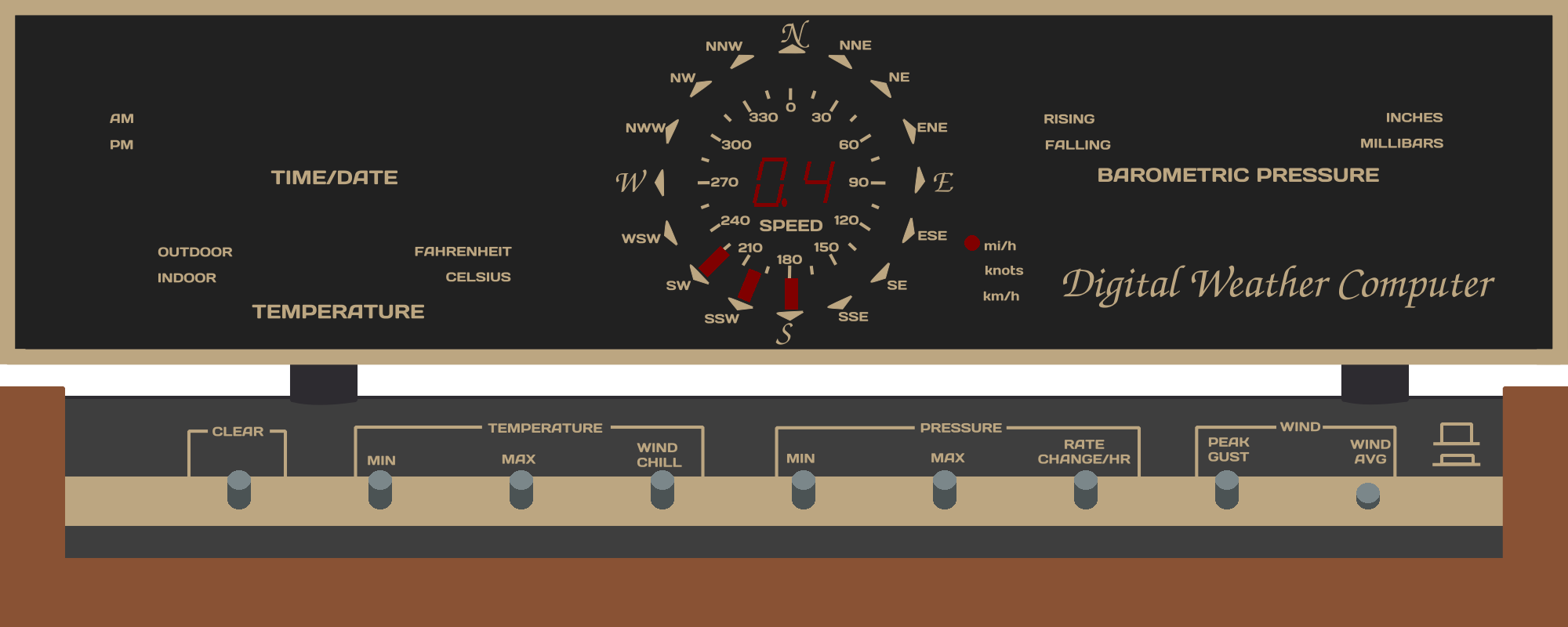
The WIND AVG is a toggle button, pressing it causes the button to click into the down or up position. In the down position, the id4001 will average the past 300 seconds of wind speed and wind direction and show a widened compass pattern when scanning.
Extra Commands
Print Version
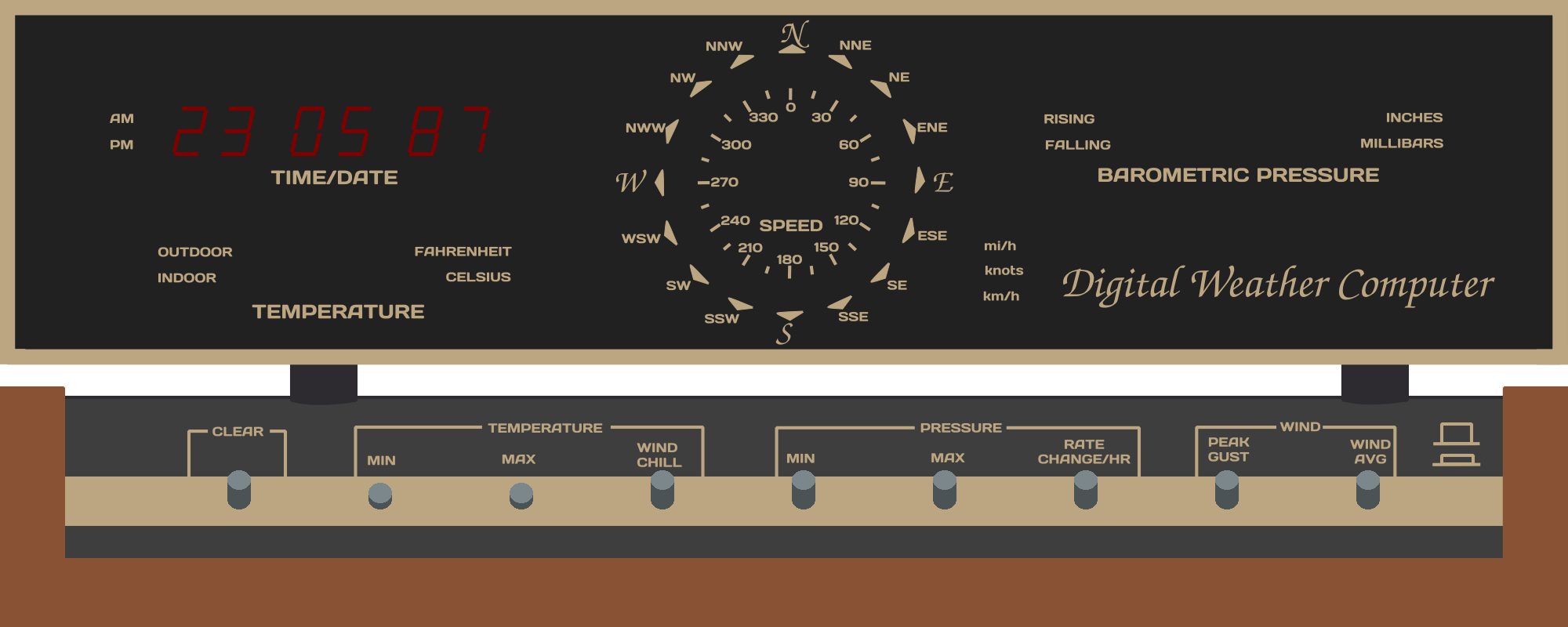
By holding both the MIN and MAX temperature buttons, the id4001 will print what software revision its currently running in Year:Month:Commit Number format.
Reset Wifi
By holding the Hr/Mo button down for 6+ seconds, you will re-enter initial wifi config mode and can set device ID, token and wifi SSID.